Is there a list of error codes somewhere, and what they mean? I recently received this error message when trying to enter a dummy record. Thanks
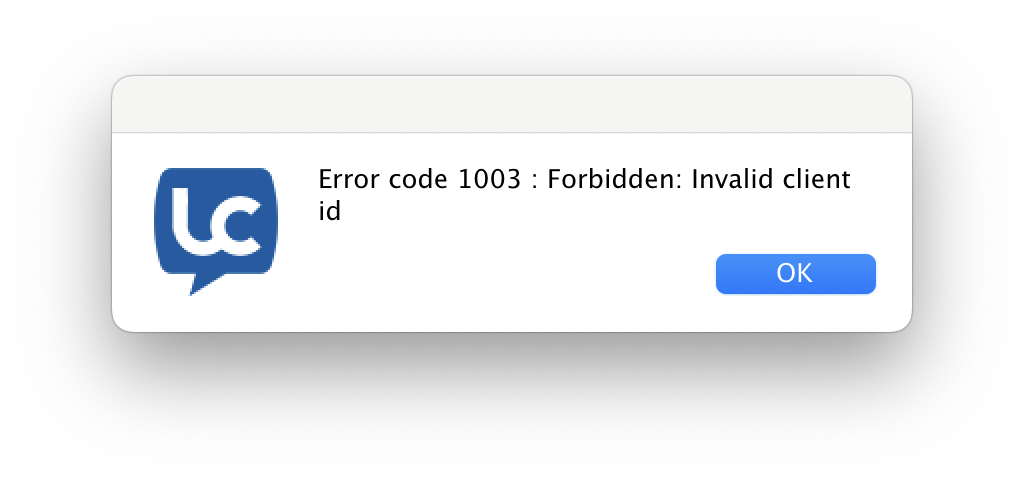
This error can come up when attempting to create a collection that has invalid data. At which point did the error come up? Were you uploading a CSV or entering data manually?
Hi Adam, I was entering data manually. I was just following along with Heathers example (in her blog posts). I created a collection based on the form then when I went to add a dummy record as she did, in the Collection area… View Records/Add New Record I get the error. I still do. However, since then I have created another form (3 fields: First, Last and Email) and creating a collection for this form I can do the same steps View Records/Add New Record and it works perfectly. I think I might try the following: duplicate that Leads Mgmt form by hand (instead of using the AI), perhaps simplify it a bit and see if that works. BTW, I created the simplified form using AI (Create a data entry form that contains 3 fields: first name, last name and email address) and it all worked fine. So, still a mystery why the other form and its collection will not let me Add New Records.
1 Like
Thanks for that information. I’ll file the 1003 error as an issue and get someone to look into it.
So just to followup with my other post, I did duplicate the form Heather was working (Leads Management) by hand, simpler and after creating the form and then the data collection and linking the two when I went to enter a record I got a 1003 error. The 2nd attempt at building the form had only text and numeric fields. I’ll keep trying to narrow down under what conditions the error occurs but so far no definite clues.